LL777 MOBILE APP GUIDE

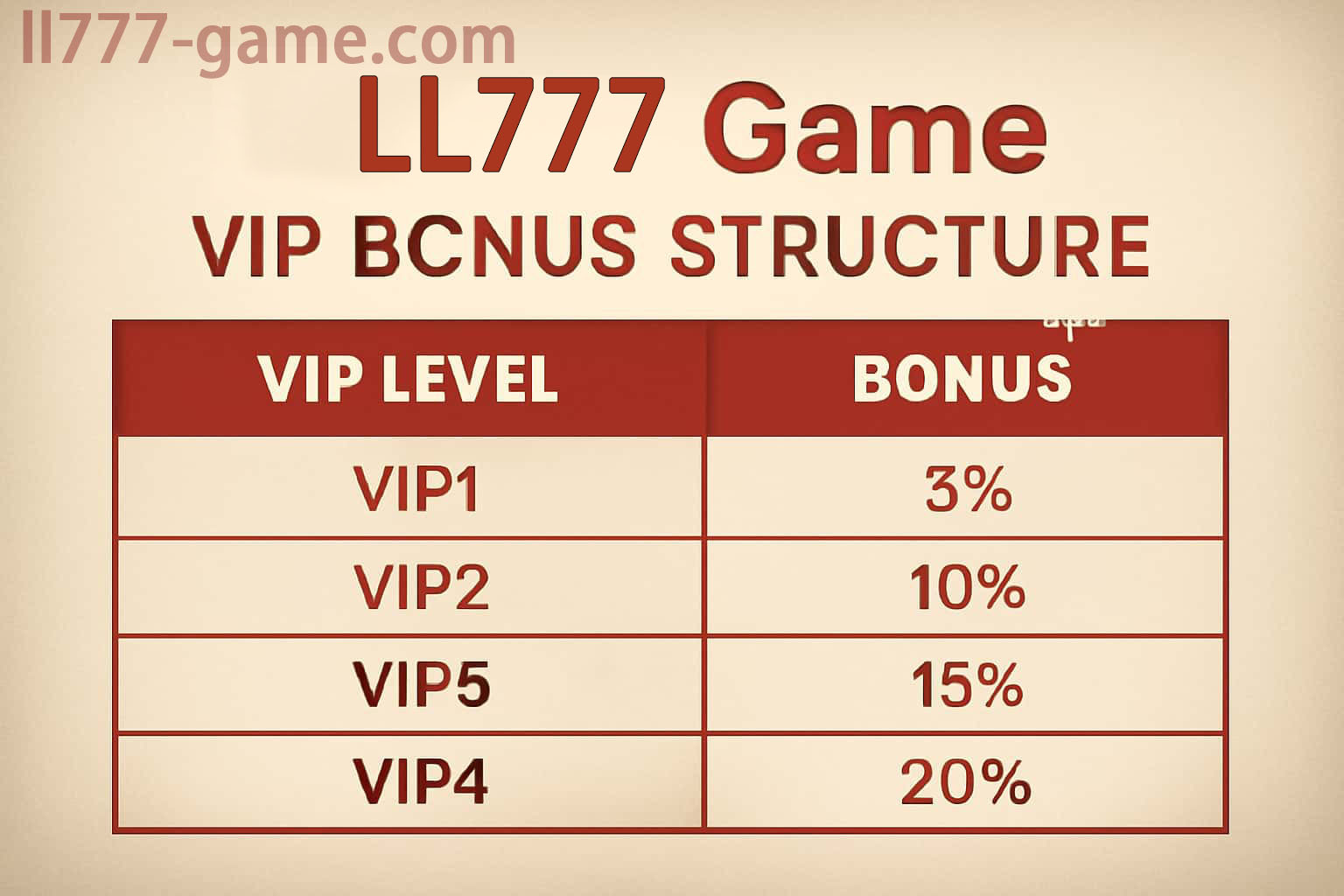
LL777 VIP membership levels and benefits

LL777 VIP Levels, Member Benefits and Progress Guide

The LL777 membership area is arranged by level, with progress and available benefits shown inside the signed-in account. Those details can change, so a screenshot from last month—or from another user—is not a reliable guide.

Before using a VIP benefit, open its own conditions. Check whether it needs activation, when it ends, and whether a particular event or account status is required.

The membership page in your account shows the current level and live benefit details.

USE THIS PAGE WELL

Four points worth checking

How Your Level Is Calculated

Qualifying activity, membership history, completed profile checks and eligible events may all influence the level shown in the app.

What a Higher Tier May Add

Depending on the live program, a level may include selected events, tailored account offers, extra app tools or a faster help channel.

Read the Benefit Before Using It

Look at the expiry date, activation step and usage rules. A member benefit should still sit comfortably inside your own time and budget limits.

VIP Events Have Separate Rules

A level-based event can set its own entry checks, score table and result process. Read that event page rather than assuming the usual rules apply.

Make a Priority Request Useful

If faster support is included, send the page name, approximate time and one clear screenshot. A short, specific report is easier to investigate.

If a Benefit Is Not Showing

Confirm the level in your account, verification status, campaign dates and any join button before opening a support ticket.