LL777 PRACTICAL HELP LIBRARY

LL777 Game Credits: Check, Buy and Use Your Balance

LL777 Game Credits: Check, Buy and Use Your Balance

Game credits are easier to manage when the balance, purchase record and usage rules are checked in the same place. Before buying or spending, note whether the credits expire or apply only to selected LL777 features.

Keep the transaction reference until the balance is correct. Repeating a purchase while the first one is pending can create a second problem.

Deadlines and personal status can change; confirm both inside the signed-in service before acting.

DETAILS TO USE NOW

Start with the section that fits the problem

Know Which Balance You Are Viewing

Know Which Balance You Are Viewing

LL777 may separate purchased credits, promotional credits and other account benefits. Open the balance details to see where each amount came from, whether it expires and which games or events accept it. A large total on the headline screen may include funds that follow different usage rules.

Buy Through a Supported Method

Buy Through a Supported Method

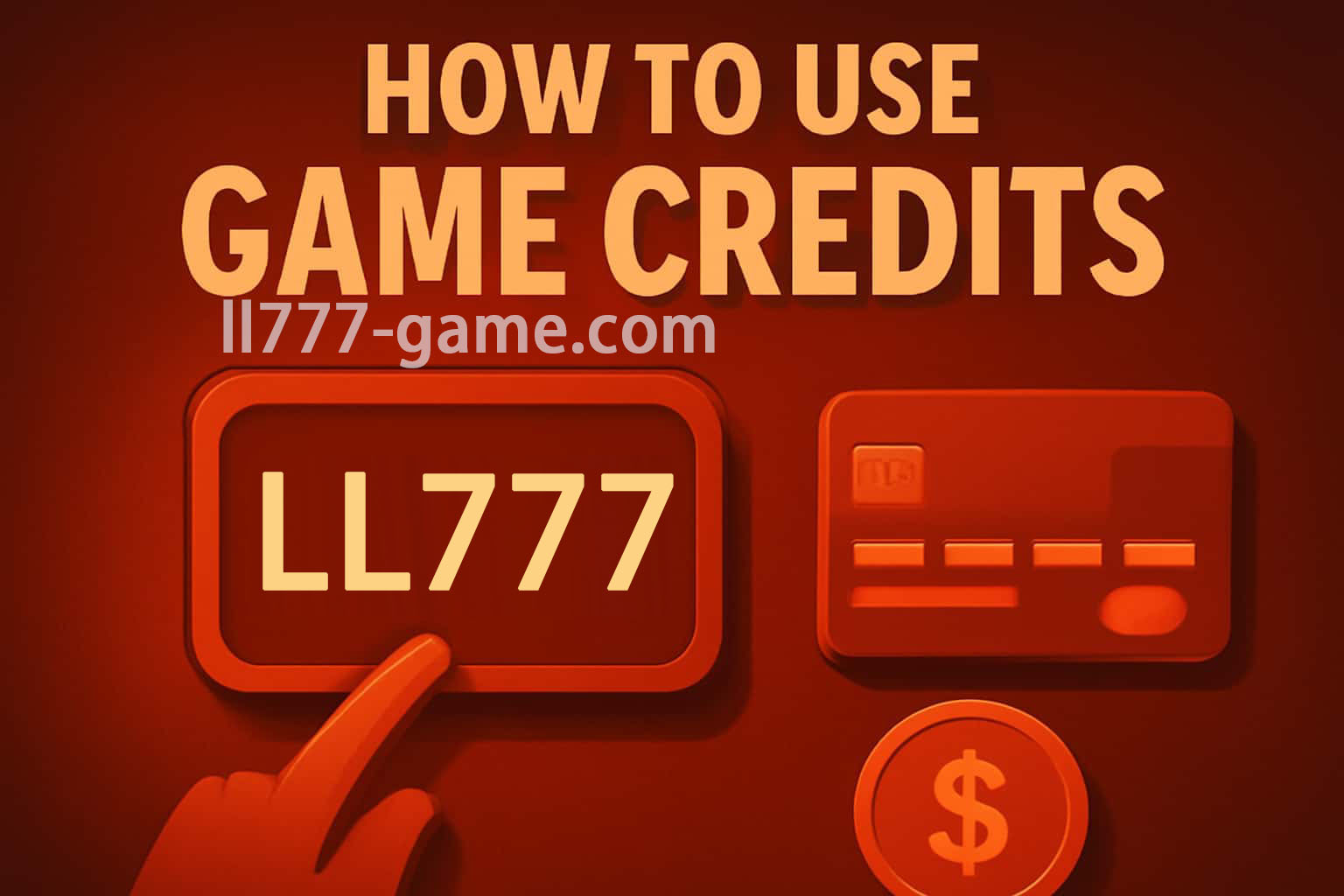
Choose the credit package and payment option inside the verified account. Review the amount, fees, currency and final total before confirming. Complete any provider approval in the bank or payment app you opened yourself, then wait for the LL777 reference instead of pressing the purchase button again.

Check How Credits Are Applied

Some accounts use promotional credits first, while others follow a rule shown at checkout or inside the selected game. Read the order and any category restrictions before starting. When the deduction looks wrong, compare the opening balance, final balance and transaction line rather than estimating from memory.

Report a Balance Mismatch Clearly

Allow the published processing time and refresh the account once. If the purchase is settled with the provider but absent in LL777, keep the masked payment proof, timestamp, amount, currency and reference. Support does not need your full card number, banking password or one-time approval code.

A USEFUL ORDER

Take these actions one at a time

1

Identify the balance

Check its label, restrictions, usage order, and expiry.

2

Open the item detail

Review name, quantity, final price, and recurring terms.

3

Confirm only once

Wait for the LL777 result screen before taking another action.

4

Check account history

Match the balance change to the transaction reference.

5

Report a mismatch

Send the time, reference, item, and expected total to support.

IF THE FIRST TRY FAILS

Checks that help narrow down the cause

Credits were reduced twice

A duplicate submission or two settled history lines may explain the change.

  • Check for two references.
  • Do not make another purchase while support reviews it.

The item is missing

The transaction may be pending, attached to another profile, or delayed by a connection interruption.

  • Confirm the signed-in account.
  • Save the history status and time.

NEXT USEFUL GUIDES

Continue from this topic

COMMON FOLLOW-UP QUESTIONS

Short answers before you move on

One may be purchased while another comes from a reward or event. Each balance can have different usage and expiry rules.
Do not repeat it. Keep the reference, wait for the stated update period, and contact support if the status remains unchanged afterward.